Play a collection of surprising games.
To get the most out of your Bloch Sphere, connect it to your computer and choose an engaging game or thought-provoking puzzle.
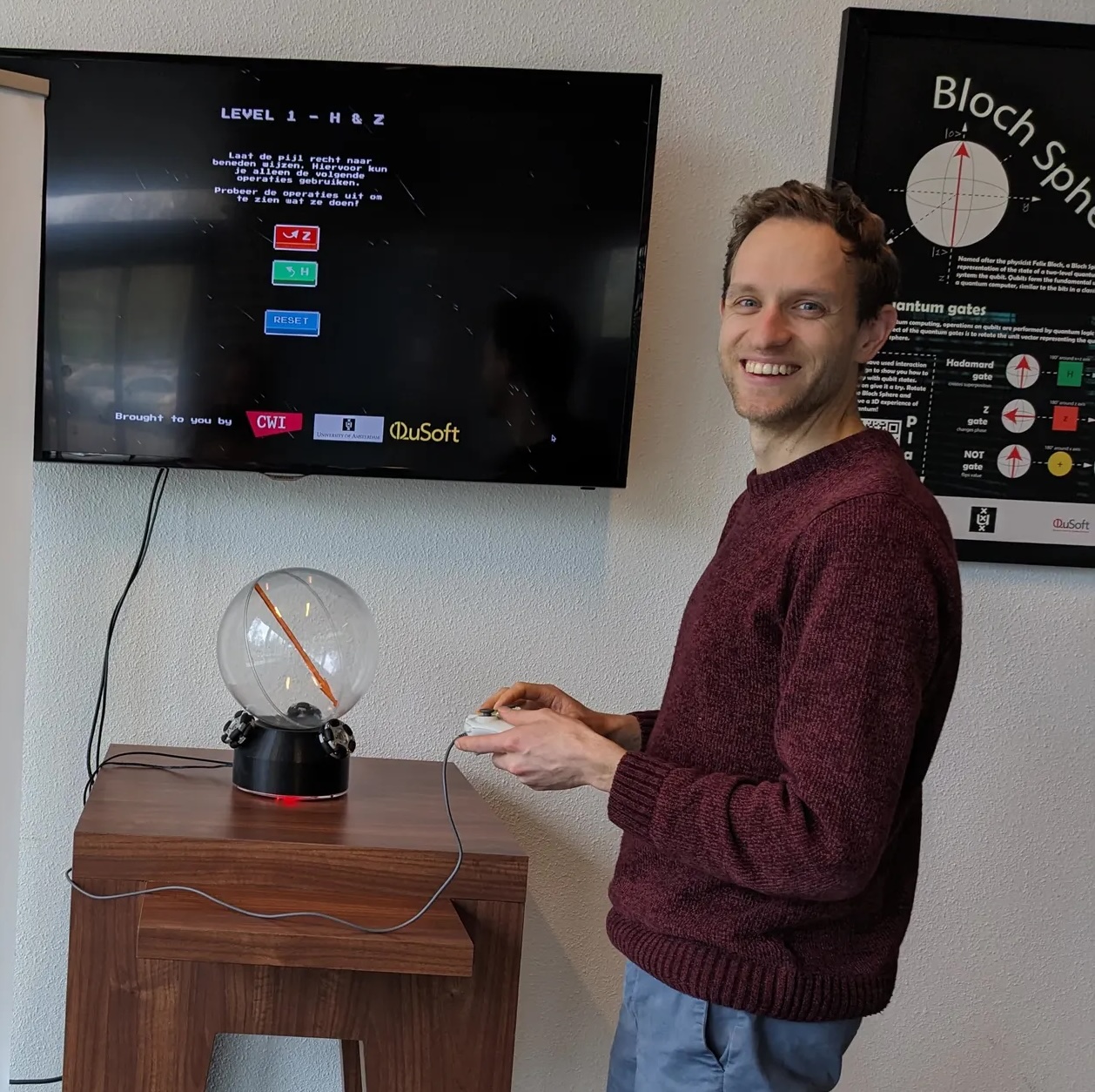
What to run on the Orb
QX Orb
Puzzle your way through 4 different levels, where you must orient the Sphere to the desired direction using a limited set of gates. Requires locally running a Python app, which starts a game in your browser.
Open the QX Orb manual → ◕Fish Game
Learn about the basics of quantum, and solve the puzzles by collecting coins and avoiding forbidden areas. Runs straight in the browser — nothing to install.
blochfish.netlify.app ↗ +Add your own game
Built something for the Orb? We'd love to list it here. Check the building documentation to see how the interface works, then open an issue or pull request — or just get in touch.
Contribute on GitHub ↗Connecting your Sphere
Connecting via USB
The simplest option: link the Orb to your computer; make sure your USB cable supports data transfer (not charge-only).
Connecting via Bluetooth
Some units can be controlled wirelessly over Bluetooth. More info soon.
Powering the device
Power comes over USB-C, from either a wall adapter or a power bank.
Drift
The ball can rotate a little more or less than intended. A small drift is unavoidable, so after many gates you'll need to re-set the ball to its starting position by hand.
Versions & archive
firmware VERSIONSTRCurrent firmware
M5Stack CoreS3 build, LVGL touchscreen UI. Source and release notes live in the repository.
Known hardware units
Some units (e.g. the CWI Orb) are wired left-handed — run games with --invert-y-axis.
Earlier revisions
Past hardware and firmware revisions are tracked in the Git history — browse tags and commits on GitHub.